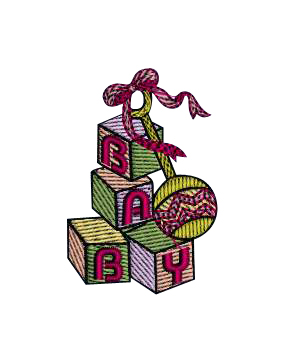
Create a unique and sweet embroidery embellishment to a blanket or bag with this cute Baby Block embroidery.
Stabilizer/Needle/Thread Guide
Click here for a Needle and Stabilizer Guide from SINGER.
How do I save a design that I have created or downloaded?
1. From the toolbar left click on file, and then from the drop-down menu select "Save Design As".
How do I unzip a design that I have downloaded?
1. Select the file to download:
2. Example shown uses one of the free designs from our USA website www.singerco.com
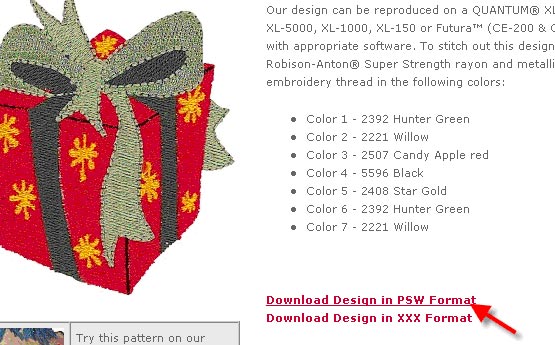
3. Select the format that you want, PSW or XXX.
4.
I downloaded a design from the Internet, why will the design not open?
The file may not have been unzipped.
See the other FAQ on "How do I unzip a file that I have downloaded"?
How do I Multi-Hoop?
See PDF for instructions on how to Multi-hoop on your SINGER® FUTURA™sewing & embroidery machine.
How do I wind a bobbin when my embroidery unit is attached?
1. In order to wind a bobbin you must transmit a design to the machine, as well as send a block to your sewing machine.
How do I wind a bobbin when my embroidery unit is attached?
1. Replace the embroidery thread on your spool pin with Bobbinfil thread, wind the thread around the thread guide located over the transparent threading path on the top of your machine and then slip the end of the thread through the opening in the bobbin from the inside to the outside.
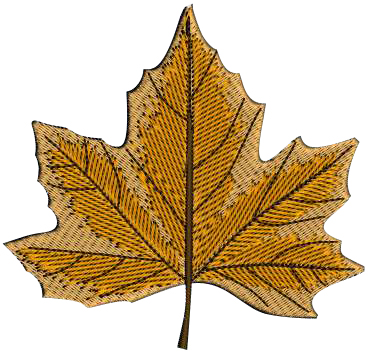
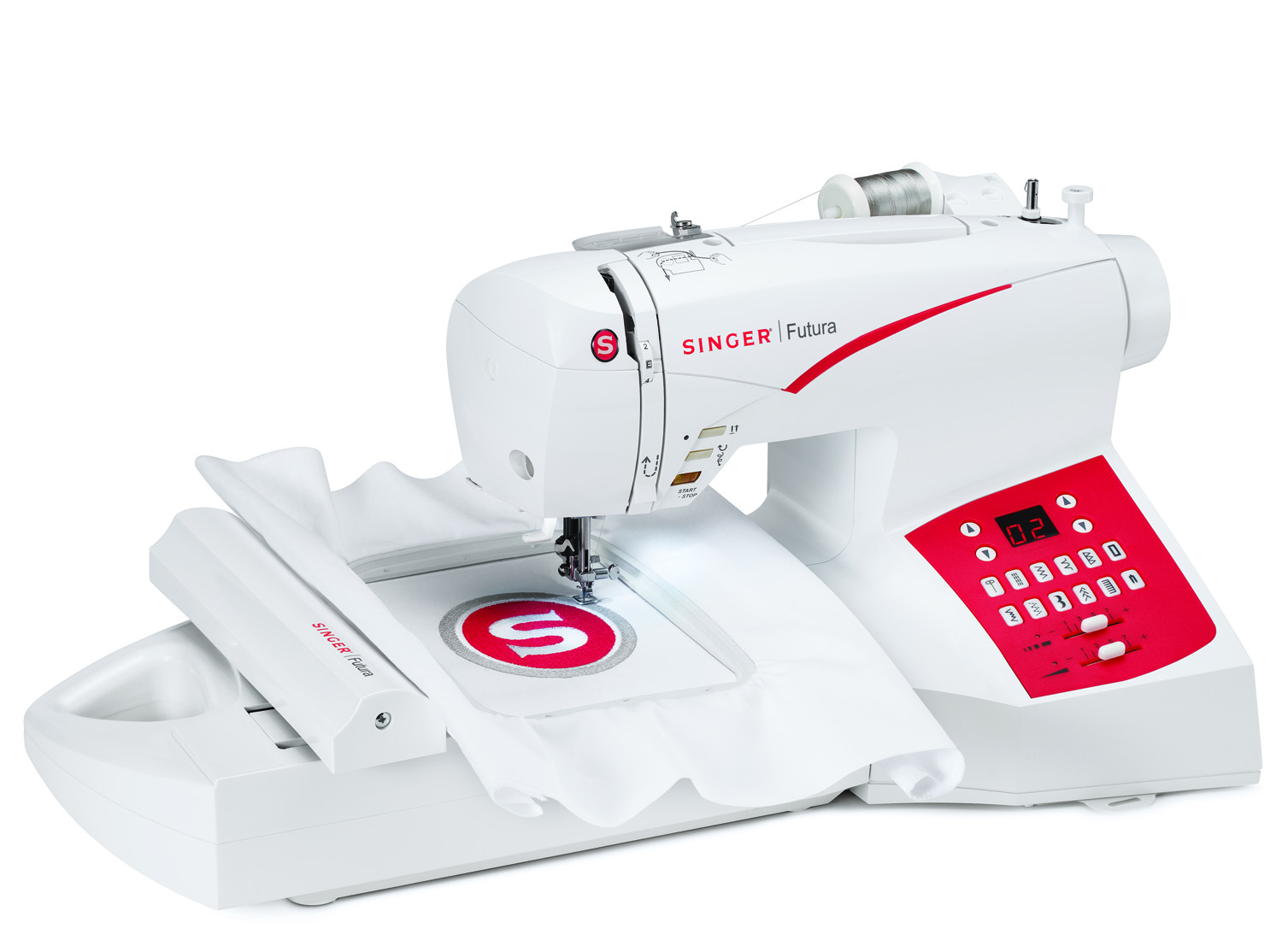

Personlized by me. You can do it all with the SINGER® Futura™ SES 2000 Sewing & Embroidery machine. You can sew purses to pillows with ease, then use embroidery to add individuality to everything.
Services & Repair
Needing help? Contact us and we can get you pointed in the right direction!
Contact Support